
Every time you finish editing a video and start exporting, does the progress bar get stuck to the point where you start questioning your life? Or do you drag your laptop to a coffee shop to edit, only for the battery to drain rapidly and the fans to spin wildly, drawing strange looks from the table next door?
If you’re a creator or video professional, “Should I choose a Mac or a Windows PC for editing?” is absolutely the soul-searching dilemma that comes up every year. Don’t worry, this article doesn’t discuss specs head-to-head; it only covers the real pain points you encounter while editing and their solutions. It’s 2026 now—let’s use real-world scenarios to help you find the best choice.
What Makes the Difference in Editing Smoothness?
Editing experience depends on how “smooth and enjoyable” it feels. If you’re accustomed to using Final Cut Pro with ProRes format, Mac is almost a decisive advantage. Apple’s M5 Pro / M5 Max chips have built-in dedicated media engines that hardware-decode ProRes directly, allowing you to drag in 4K or even 6K RAW files with silky smoothness while maintaining extremely low power consumption.

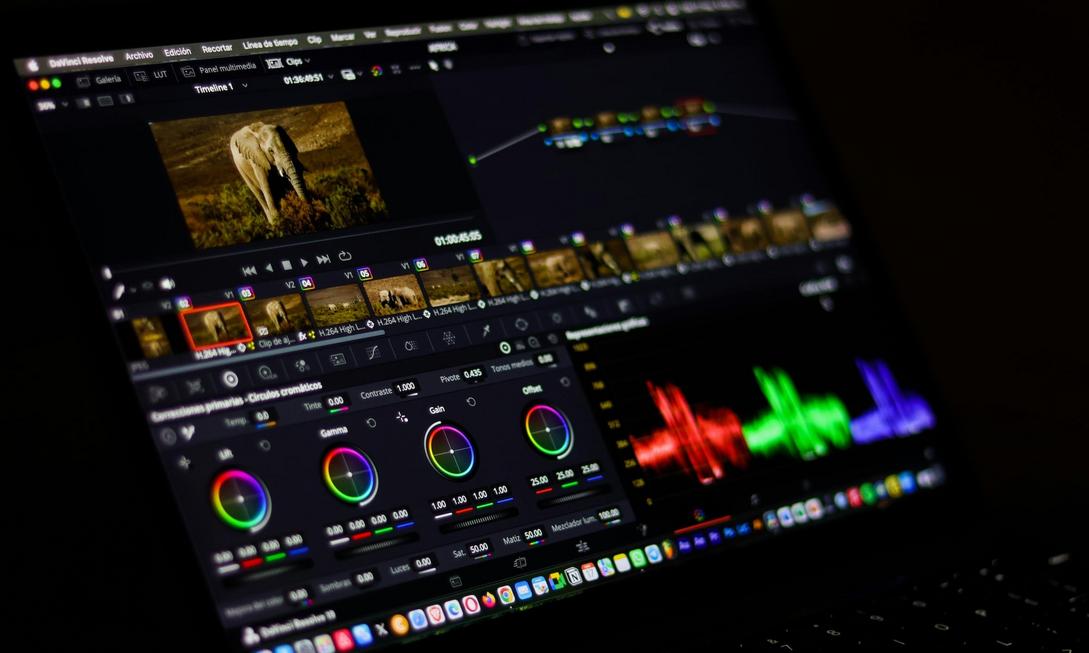
But if you’re a heavy DaVinci Resolve user or frequently run AI background removal, optical flow frame interpolation, and multi-track effects, a Windows PC paired with NVIDIA GeForce RTX 50 series graphics cards (CUDA acceleration) will show overwhelming advantages in GPU computing. In short: Choose Mac if you rely on Final Cut for a living; choose Windows if you rely on Resolve and heavy effects to survive.
Bringing It Out for Editing: Who Is the Real Work Partner?
For news runners, wedding videographers, and travel YouTubers, battery life and quiet operation are lifelines. The MacBook series has almost no rivals in this regard—performance doesn’t throttle without power, easily handling 6-8 hours of editing, and the M5 Air/Pro fans run almost silently. You won’t hear airplane take-off-like cooling noise during client meetings or in quiet libraries.

Windows creator laptops (like ASUS ProArt P16, MSI Creator series) deliver powerful performance, but under high loads, they mostly last no more than 3-4 hours, with more noticeable fan noise. They’re suitable for fixed studio or home use, not for extended creative work on the move.
Team Collaboration and Upgrade Flexibility: Your Future Considerations
If you work in a team, Premiere Pro and Avid Media Composer compatibility and enterprise environment support remain mainstream on Windows. Plus, Windows desktops allow free upgrades to graphics cards, RAM, and storage, offering far better long-term value and expandability than Mac (buy once and that’s it for life).

But if you’re a solo operator, personal brand manager, or small studio owner, Final Cut Pro’s one-time purchase at $299 USD with no subscription, combined with seamless integration with iCloud and the Apple ecosystem, results in lower long-term ownership costs and the smoothest workflow.

Conclusion: Don’t Look at Specs, Look at Your Workflow
The 2026 video editing battlefield is no longer about benchmark competitions but about “who best fits your daily editing routine.”
- Choose Mac if you value: Final Cut Pro, ProRes workflow, lightweight and quiet operation, long battery life, and efficient creation for personal or small teams.
- Choose Windows PC if you need: Heavy DaVinci Resolve computations, NVIDIA AI acceleration, free hardware upgrades, large team collaboration, and project compatibility.
Don’t let decision fatigue waste your creative energy. Confirm your primary software, work scenarios, and budget, then hit confirm—let your next video edit smoother and export faster. Upgrade your editing arsenal now and save time for what matters most—telling great stories.
