
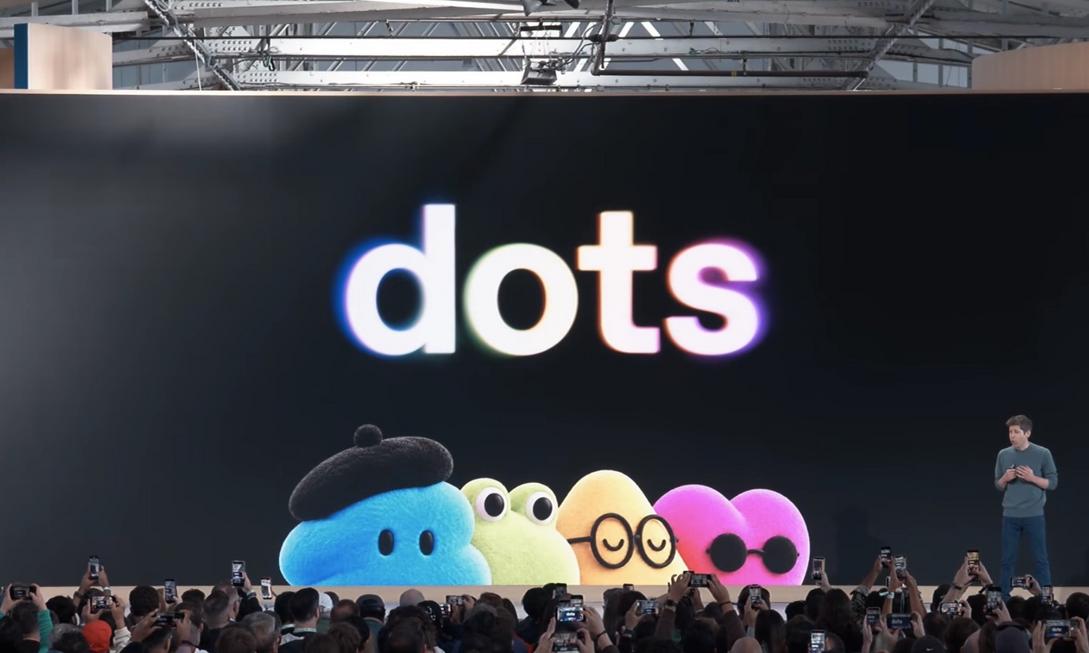
Monday morning meeting notes still not organized, Slack pops up with over a dozen unread messages; calling the dentist appointment took three tries to connect, and the hold music is wearing out your patience. Are you also tired of manually switching between dozens of apps and repeatedly handling trivial tasks? AI assistants are trying to take over these jobs, but facing OpenAI’s latest Dots and Meta’s newly released Muse, which one can truly integrate into your daily routine?

🔹 Your Senior Digital Colleague: OpenAI Dots’ Workflow Advantages
If you’re already used to using ChatGPT to trim titles and filter keywords, Dots will directly inherit these “muscle memories.” It not only supports integration with over 4,000 applications, but can also reply directly via Slack or Teams, and even silently process data retrieval in the cloud while you continue typing. More importantly, the permission design: each task can be set with four levels of authorization, and password changes never leave your fingertips. Suitable for remote workers and developers who need deep integration with work tools and value data privacy.
📱 Invisible Butler for Calls and Trivial Matters: Meta Muse’s Life Scenarios
Muse’s highlight lies in its “off-screen” execution capability. In tests, it can independently call dental insurance companies, pass membership verification, wait on hold, and allow users to choose voice tones. For Marketplace transactions or appointment arrangements, it will explicitly require confirmation before executing payments and retain complete operation records. Currently limited to the US region, but for those who often need to handle phone contacts, online shopping comparisons, or daily shopping lists, Muse does reduce a lot of the hassle of manual switching.
✅ Core Advantages Quick Overview
• Dots seamlessly connects to existing ChatGPT usage habits, lowering the learning curve
• Muse breaks through screen limitations, actively handling calls and offline tasks
• Both systems retain the “execute after confirmation” mechanism to avoid excessive AI intervention
• Dots supports international use and enterprise-level permissions, Muse focuses on personal life scenarios
Choosing which one depends on where your time allocation focuses. If your work content heavily relies on digital collaboration and automated processes, Dots’ integration capabilities will significantly boost productivity; if your daily life is occupied by fragmented tasks like calls, appointments, and price comparisons, Muse can free up focused time for you. Both recommend starting with “gradual authorization” to build trust, first assigning clear tasks, then observing the processing logic. Technology should not add burdens, but quietly catch those trivial matters that distract you. Now pick the AI partner that best fits your life rhythm, so that truly important things are worth your full commitment.
