
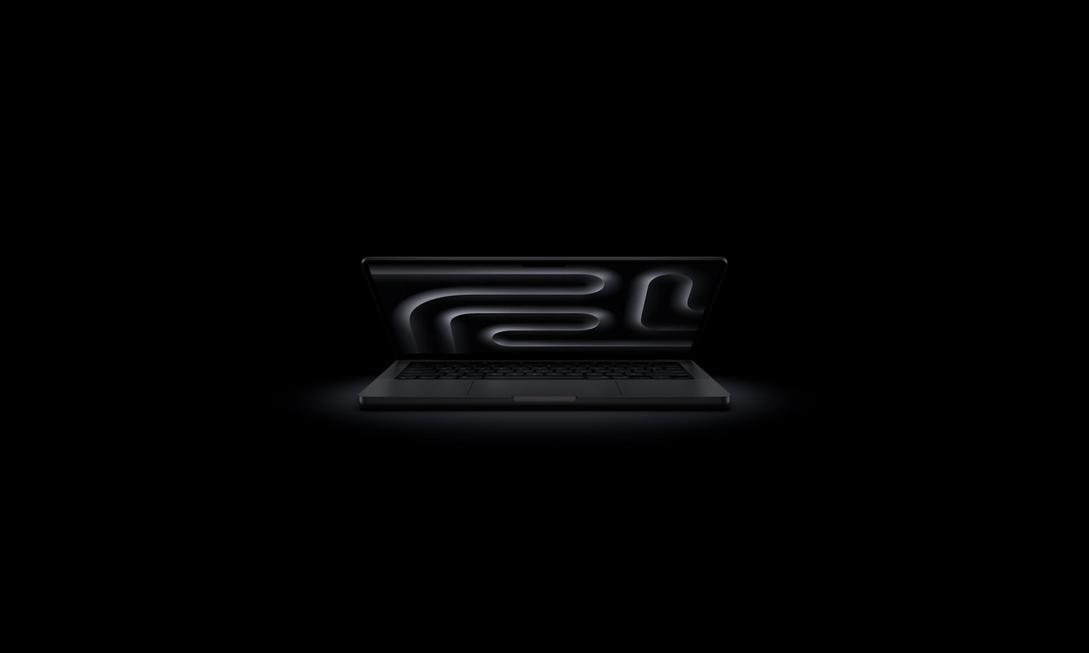
Imagine this scenario: You’re in a cafe rushing to edit photos or adjust presentation reports, instinctively wanting to use your fingers to zoom in on details or drag materials on the screen, but can only helplessly put your hand back on the trackpad. For years, we’ve been accustomed to the dual-track life of “laptops use keyboard and mouse, tablets use touch,” until today, this long-standing pain point finally has an answer. Apple’s first touch laptop is finally about to break this boundary.
Not “Touch for the Sake of Touch”: Making Fingers the Second Mouse
In the past, doubts about laptop touch mostly came from that awkward raised-hand posture, or macOS icons that weren’t suitable for finger operation. But this rumored MacBook Ultra (i.e., MacBook Touch Version) brings a key change: Adaptive Dynamic Interface (Adaptive Interface).
This isn’t simply replacing the screen with clickable glass, but a set of smart interaction logic. When you need touch, just lightly tap a specific button or trigger mechanism, and the system will seamlessly switch—the menu bar elements will instantly enlarge to a size suitable for finger taps; it can even open touch-friendly context menus. This means you don’t need to raise your arms like a gymnast until tired, nor play “spot the difference” in dense menus. It makes “touch” an aid, not an interference.

Specification Leap: M5 Pro/Max Chip, Beast-Level Performance in a Slim Body
If you’re worried that the touch version will sacrifice performance, rest assured. According to the latest information, this MacBook Touch Version will directly feature the same M5 Pro and M5 Max chips as current high-end models. From the specs, the M5 Pro starts with powerful multi-core processing capabilities, meaning it’s not a lightweight machine for just writing documents, but a performance beast that can easily handle heavy tasks like 4K video editing and 3D rendering. Combined with a slimmer body design (rumored to use high-quality panels), you can finally easily pack a “no-shortfall performance” creation powerhouse into your backpack and work anytime, anywhere.
Why Do You Need This Laptop? Three Highlights at a Glance
Combining the latest search trends and product highlights, the reason this product is causing a stir in the tech circle is that it precisely solves three core needs of modern users:
- Breaking Device Boundaries: It’s not just a laptop, but a large-screen creation tablet. No need to repeatedly transfer files between MacBook and iPad; one device can handle all light and heavy needs.
- Balance of Precision and Intuition: We don’t need to poke the screen all day, but during quick browsing, zooming, or creative drawing, direct finger intervention can greatly shorten the operation path, making workflows smoother.
- Ultimate Mobility: The lightweight design combined with the high energy efficiency of the M5 chip upgrades both battery life and portability, no longer having to carry heavy loads for performance.
Conclusion: Good Things Are Worth Waiting For, Apple Delivers a Perfect Score This Time
Apple has been over a decade late on the laptop touch path, but it’s precisely because of this “lateness” that we see a more mature solution. It doesn’t blindly follow trends, but uses adaptive interfaces and top-tier performance to prove that touch laptops can be both elegant and practical.
If you’re a creator tired of carrying two devices (laptop + tablet) everywhere, or you crave a more intuitive operation experience in your workflow, this MacBook Touch Version is definitely the upgrade choice you should pay most attention to this year. Stop letting hardware limit your creativity; now is the time to embrace a more flexible way of working!
